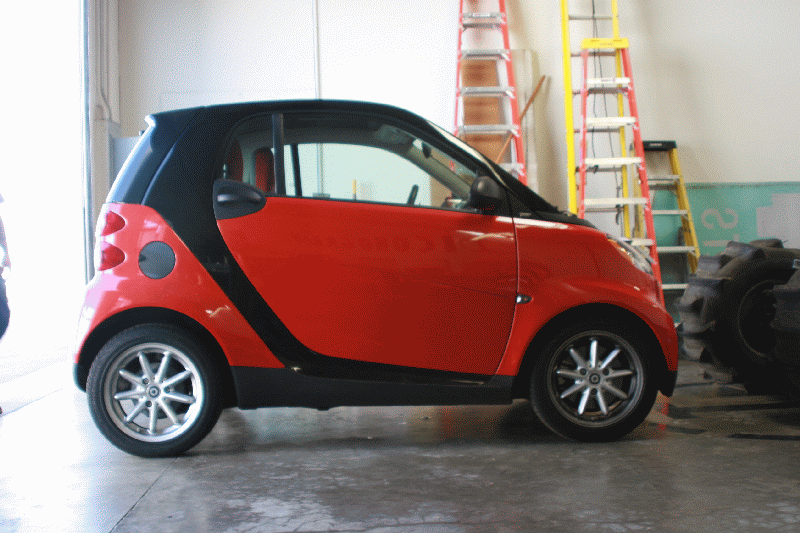
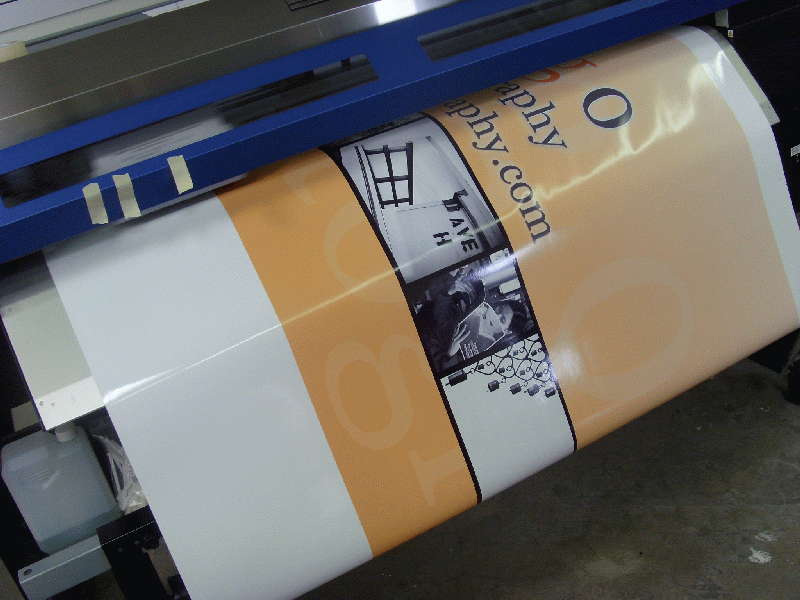
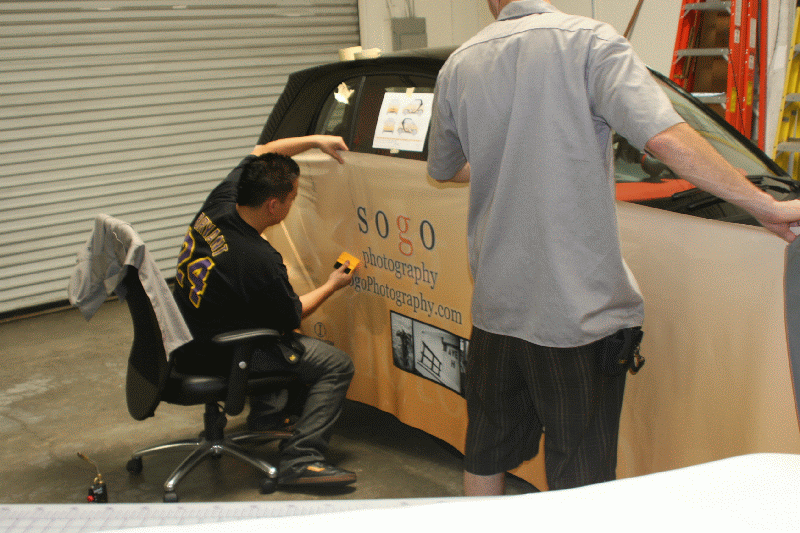
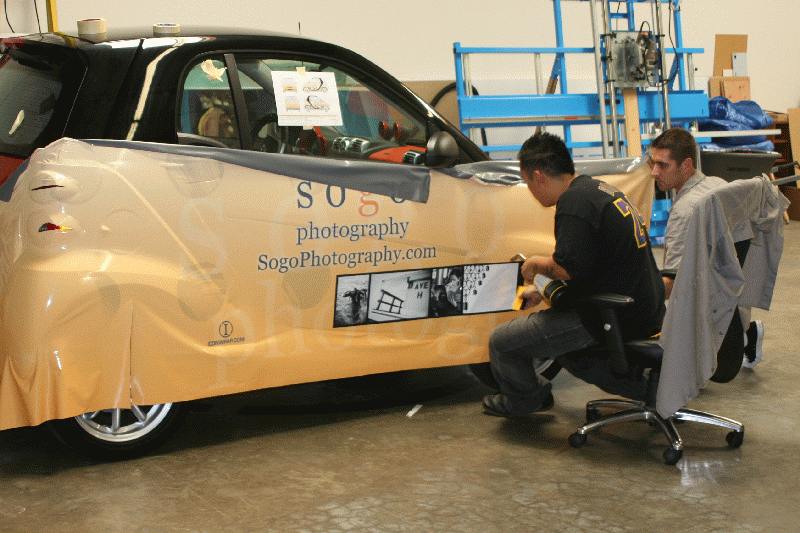
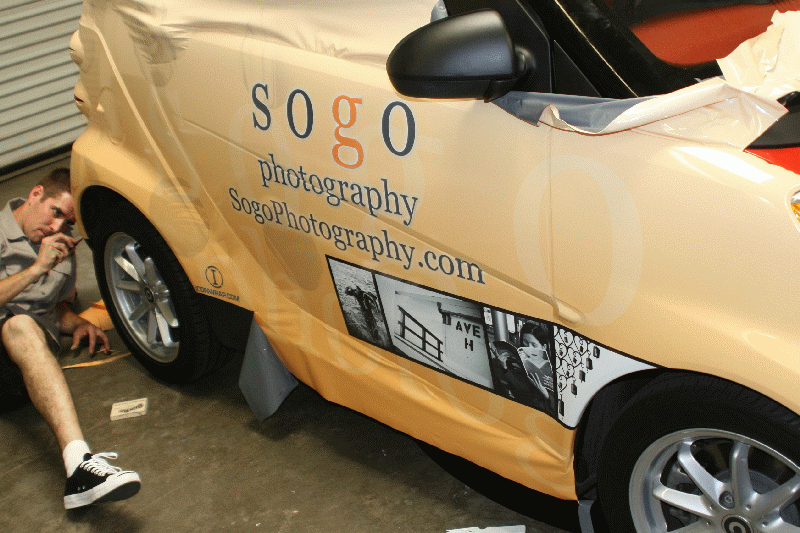
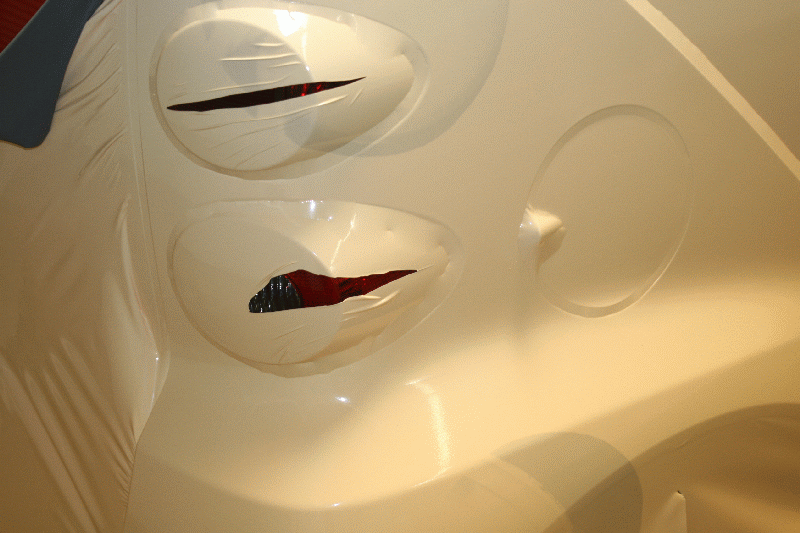
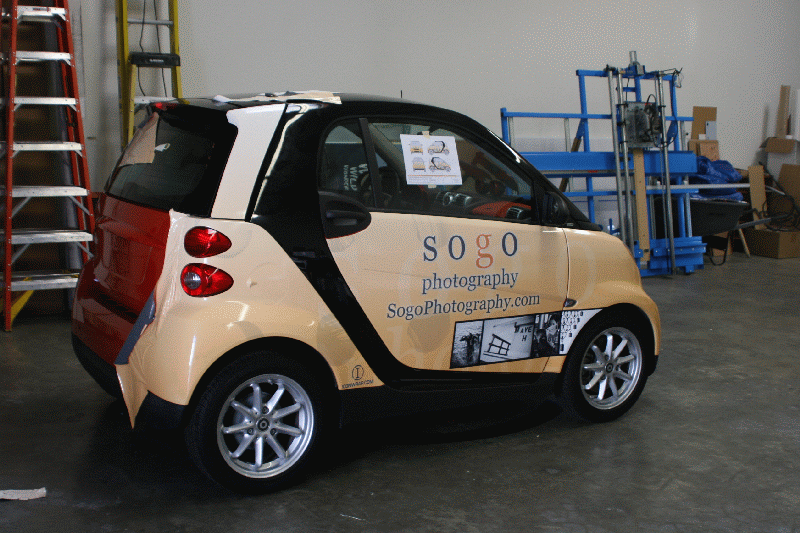
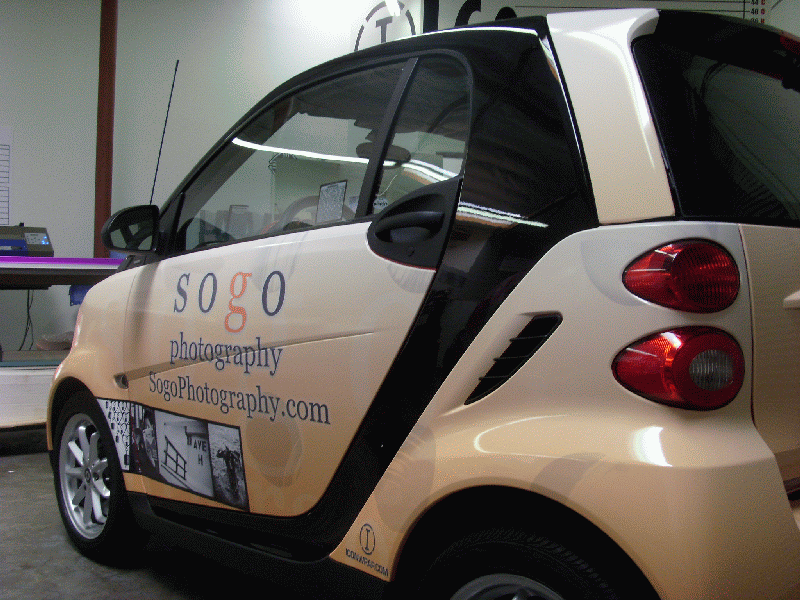
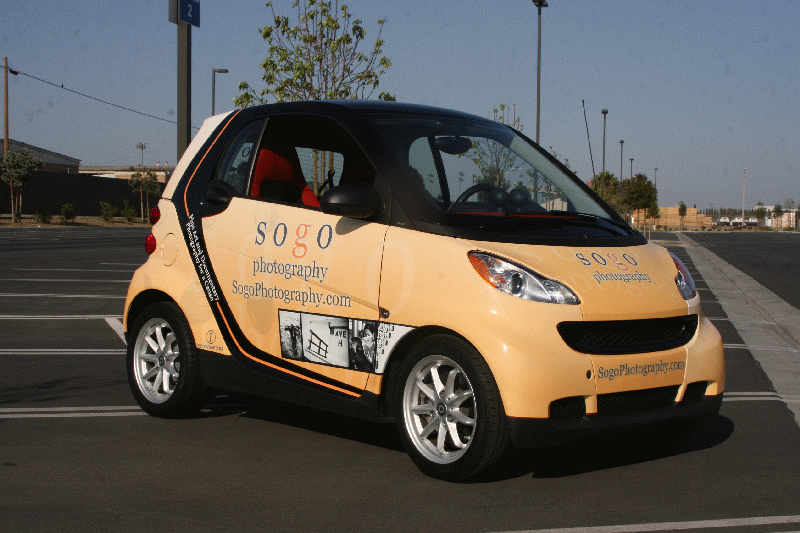
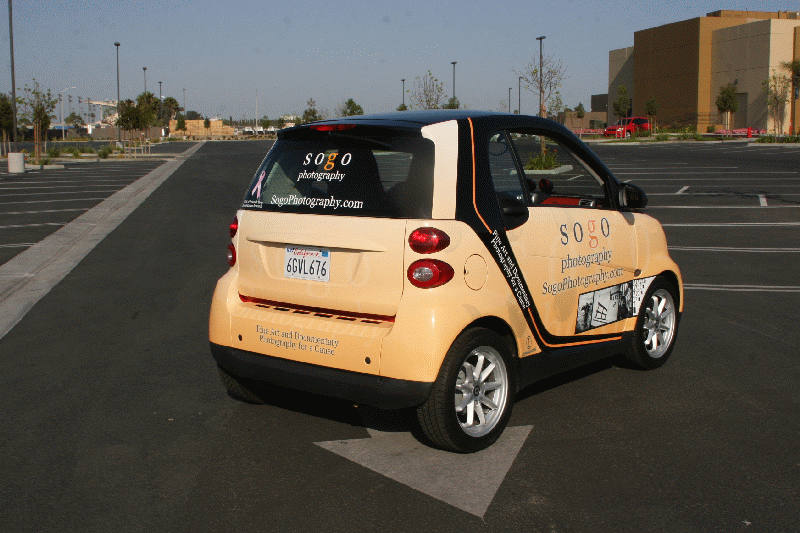
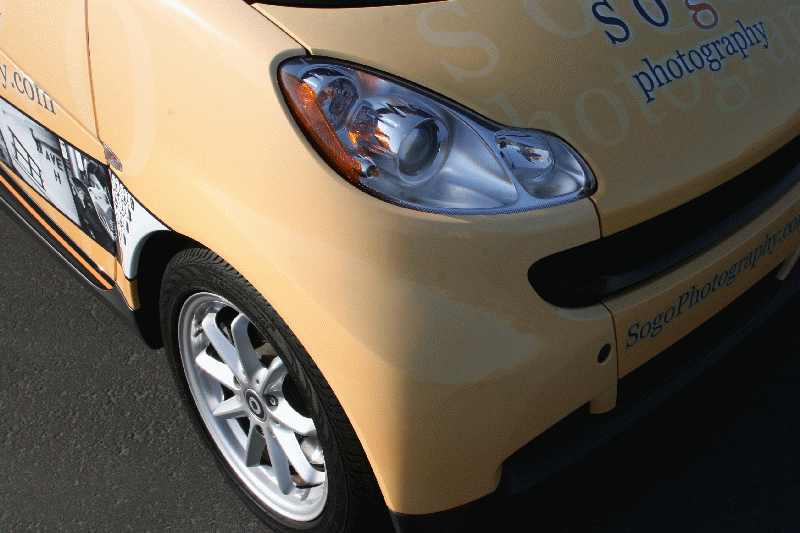
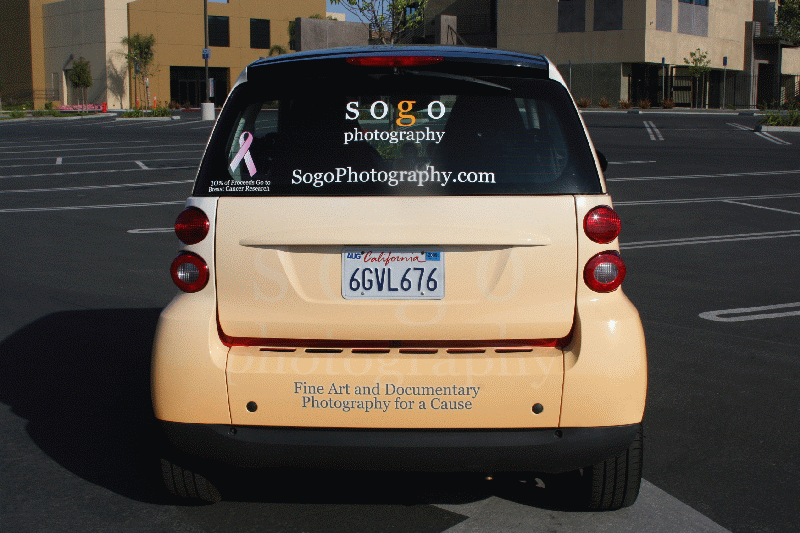
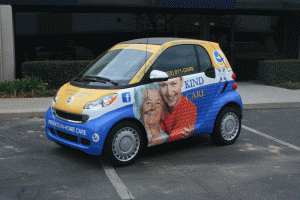
Sogo Photography, based in Redondo Beach, CA, used their own photography to complete this Smart Car wrap design.
Car wrap design is easy when you work with the award-winning design team at Iconography Studios. Whether you are an accomplished artist or designer, or artistic ability is last on your list, we work with you to get the final result you want.
We have put together a collaborative car wrap process that works every time, and avoids the pitfalls of using AI for your design:
1. We ask all of our customers to find 3 images of vehicle wraps that they like, and 3 that they don’t like so that we can get a feel for their aesthetic sensibilities. A simple Google search of car or vehicle wraps will return hundreds of images – just save your 3 favorite and 3 least favorite and email them to us, along with any logos, artwork or other graphics you have that you may want to incorporate into your vehicle wrap design.
2. Once we have received your files, we will schedule a design consultation with our art department. You can expect to spend about 30 minutes on the phone or in person discussing your vision and objectives for your design. Our designers will also guide you through the best areas on your vehicle for placement of certain information, as well as design pitfalls we want to avoid so that the installation process goes smoothly.
3. After your design consultation, we begin working on a proof of your design. You will have two opportunities to make revisions to the proofs before any additional design fees apply.
4. Once a final proof has been approved, we will begin printing your car wrap material and preparing it for installation. We will also schedule your installation date at this time.
How You Should Use AI For Car Wrap Design
AI can be a useful tool for communicating your car wrap design ideas to a graphic designer. However, AI car wrap designs often fail because they are not built for 3D vehicles or mobile viewing. They frequently suffer from distorted proportions over doors and seams, unscalable low-resolution graphics, and overly cluttered layouts that ruin your brand’s legibility on the road.
Use AI solely for generating initial “mood board” concepts or basic inspiration. For the actual execution, work with a professional wrap designer or a local specialized print shop. They possess the technical expertise to ensure your wrap is correctly scaled, perfectly aligned with the vehicle’s unique physical body lines, and optimized for lead generation.
Relying on AI-generated vehicle graphics poses several major risks to your brand:
- Distorted Real-World Proportions: AI designs look great on a flat laptop screen but fall apart when wrapped around curves, bumpers, and handles. Critical logos or text often end up warped or placed exactly where the physical seams of the car meet.
- Pixelated Printing: Large format wraps require high-resolution vector graphics. AI generators frequently spit out files that lose their detail and become blurry or pixelated when blown up to fit a full-size van or truck.
- Layout and Readability Issues: AI often generates “busy” designs with script fonts or overcrowded imagery. Because a commercial wrap is a mobile billboard, the audience has only seconds to read it; cluttered designs make your business difficult to recognize or remember at 65 mph.
- Lack of Practical Manufacturing Knowledge: AI does not understand the technical requirements of large-format printing or installation. Professional designers use templates that factor in bleeds, door handles, and window perforations, whereas AI layouts usually ignore these essential constraints.
- Cookie-Cutter Brand Identity: Using automated AI tools dilutes your uniqueness. Your brand risks looking generic rather than distinctive, ultimately blending into traffic instead of standing out.
How To Create A Unique Car Wrap Design:
Designing a vehicle wrap requires a balance of precise technical planning and high-impact visual strategy to ensure the message is readable while the vehicle is in motion.
- Planning and Measurement
- Obtain a Template: Use a high-quality 2D or 3D vehicle template specific to your car’s make, model, and year.
- Verify Measurements: Templates can vary; manually measure door handles, windows, and fuel doors to ensure your design doesn’t cut through critical information.
- Choose Your Software: Professional designs are typically created in Adobe Illustrator (for scalable vector graphics) or Adobe Photoshop (for high-resolution raster images).
- Core Design Principles
- Prioritize Hierarchy: In the few seconds a viewer sees your vehicle, focus on this order: Brand/Logo, Tagline, Website, and then Phone Number.
- Keep It Simple: Avoid “noisy” backgrounds like carbon fiber, tribal flames, or complex photos that distract from the brand message.
- High Contrast: Use bold colors that contrast sharply with the vehicle’s base or the wrap’s background to make text pop.
- Limit Copy: Treat the wrap like a mobile billboard. Minimize text so it can be read at highway speeds.
- Technical Execution
- Use Vector Graphics: Whenever possible, use vectors for logos and text so they remain sharp when scaled to the size of a van or truck.
- Account for “Bleed”: Extend your design 2–3 inches beyond the template edges to allow for trimming during the physical installation.
- Mind the Obstacles: Avoid placing important text or logos over complex curves, deep recesses, door handles, or windows where the vinyl might be cut or distorted.
Interested in a Smart Car wrap or other vehicle graphics? Give the experts at Iconography a call today at 562-424-4353.